

Getting Started
Downloading the mobile app
How to download and sign in to the Captivated mobile app so you can work from anywhere.
Stay connected to your customers wherever you are with the Captivated mobile app.
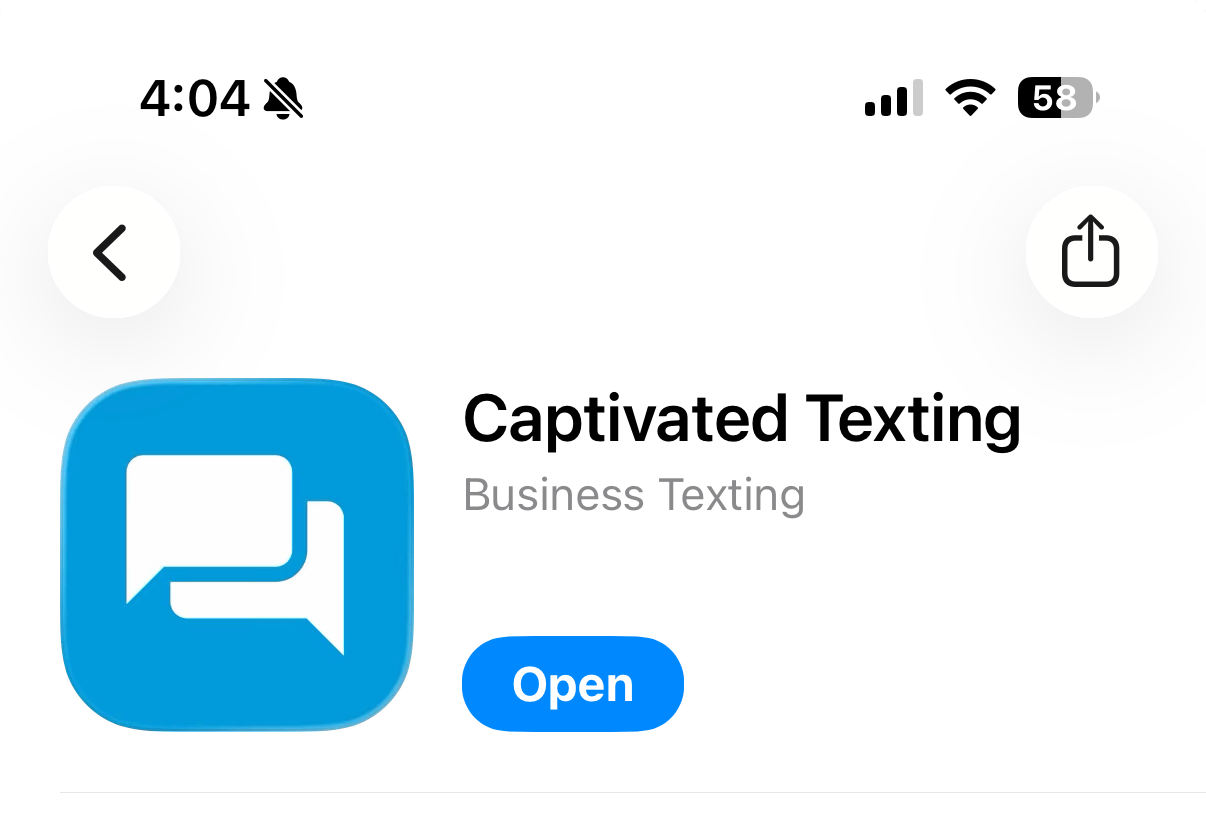
Download the app from the Apple App Store or Google Play Store by searching for “Captivated Texting.” Look for the blue icon with the white chat boxes.