Video Walkthrough
 Captivated allows you to request a customer’s location when you need to confirm where they are or where service is needed.
Request a Location
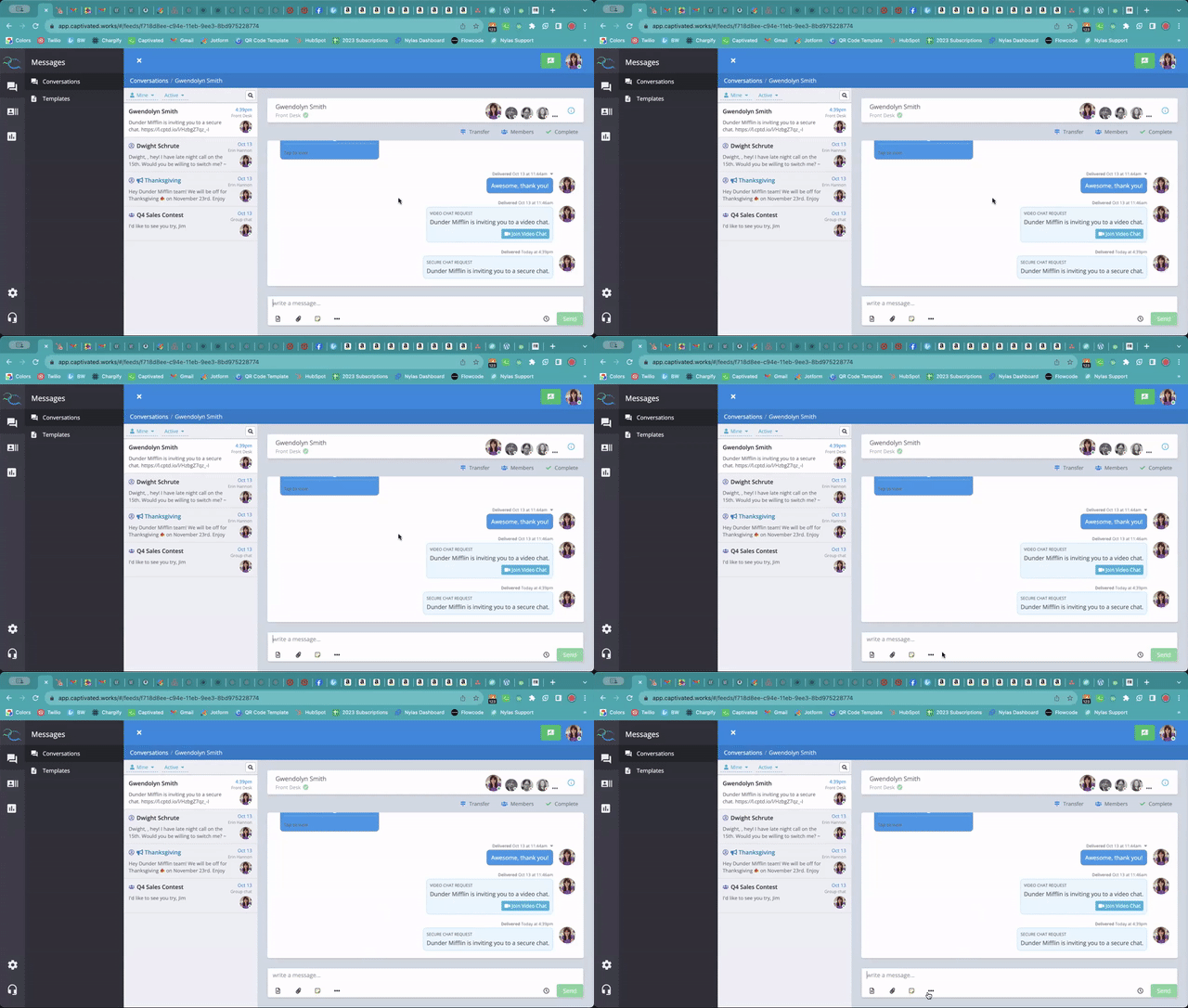
To send a location request:- Open the customer conversation.
- Select the three-dot menu below the message field.
- Choose Request Location.
- Review the message and make any changes if needed.
- Select Send.
View the Shared Location
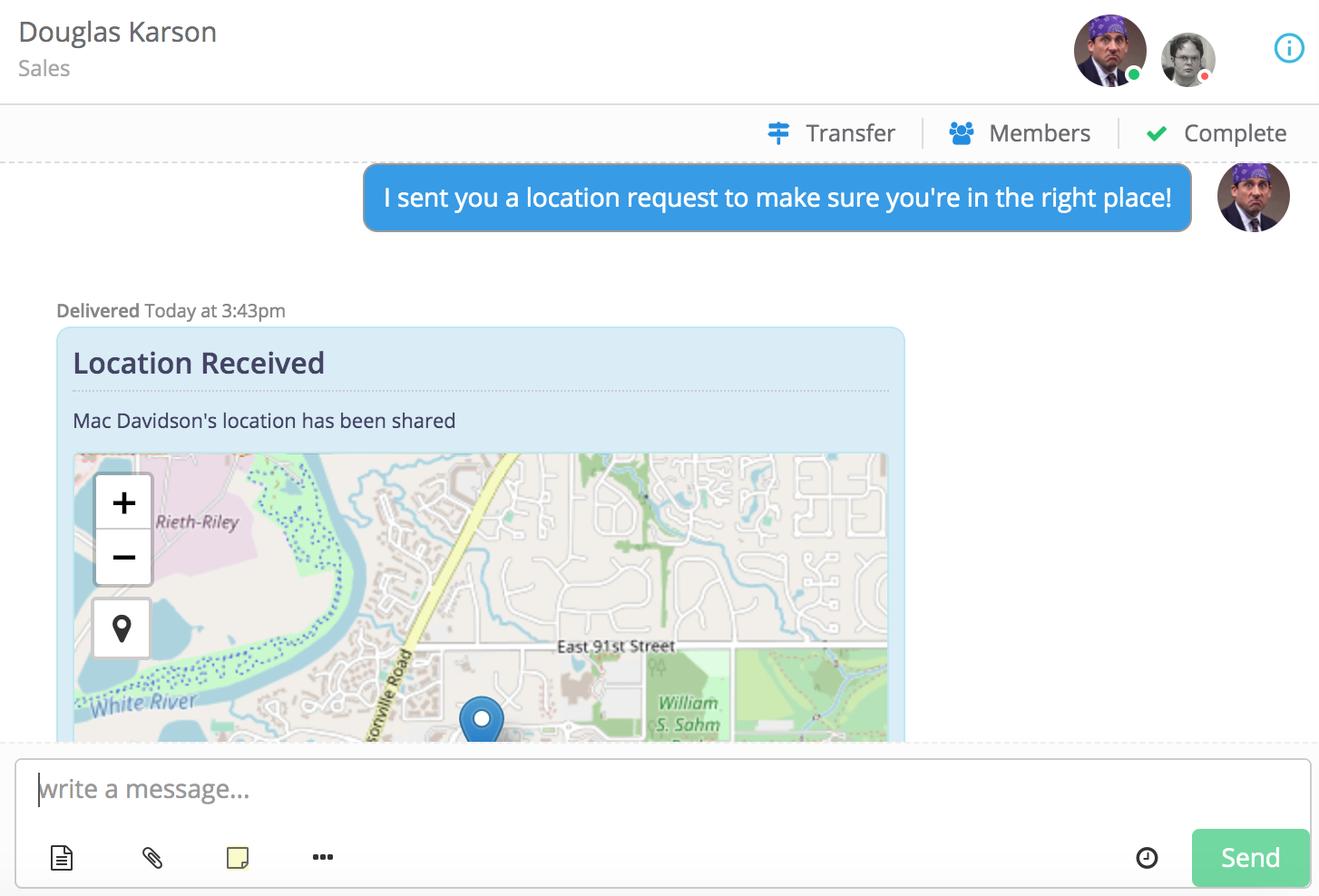
Once the customer shares their location, it will appear directly within the Captivated conversation. You can use the map to:- View the customer’s location.
- Zoom in or out.
- Navigate around the surrounding area.
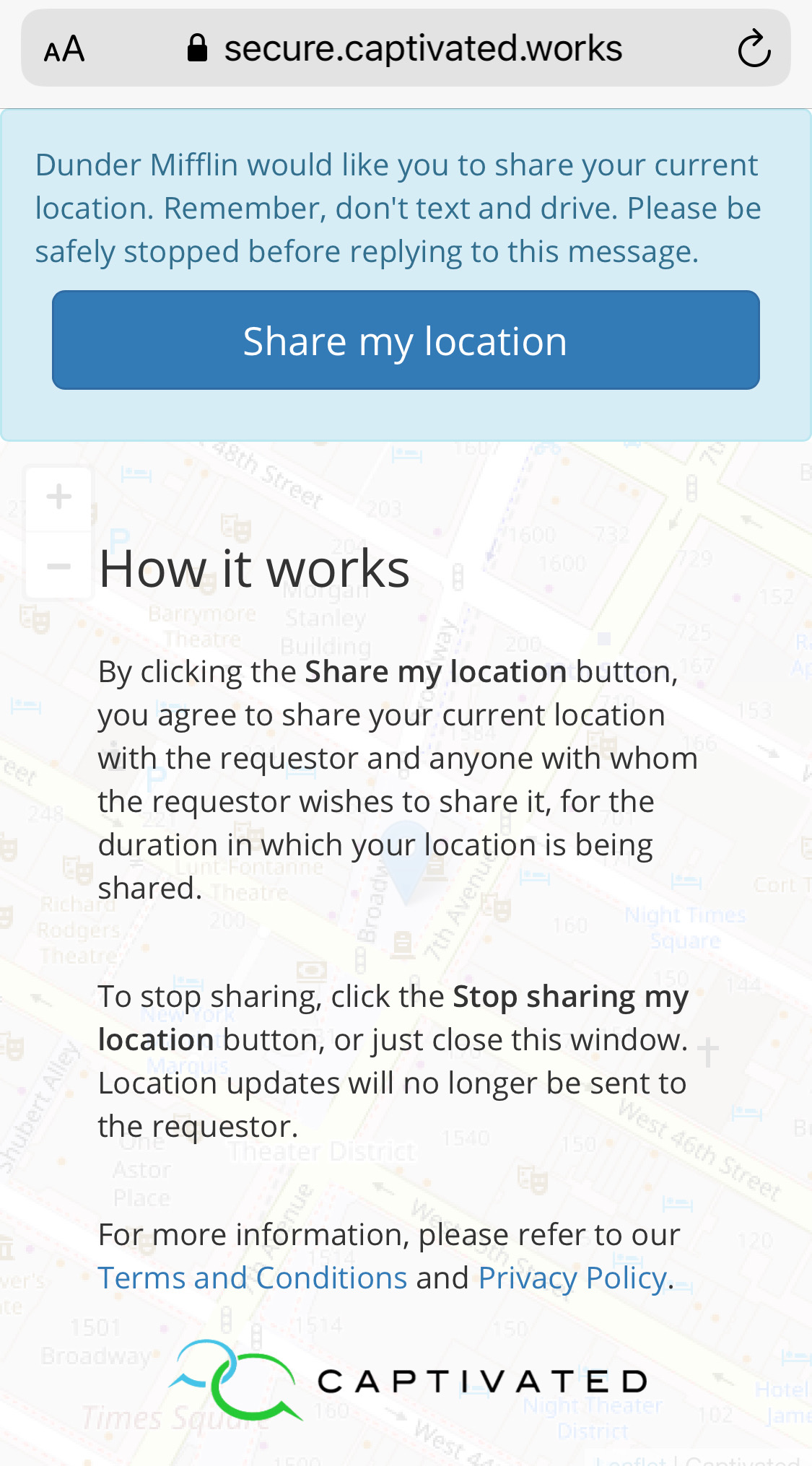
Location sharing is controlled by the customer. They must choose to share their location and can stop sharing it at any time.