Once archived, the contact will be removed from your active Contacts list.Their previous conversations will remain available in your conversation history.
You no longer need the contact available in your active Contacts list.
Any important contact information has been reviewed.
You’re aware that the archive action cannot be reversed.
If you’re trying to remove a duplicate contact, review both records carefully before archiving one so you don’t remove the record containing the information or conversation history you need.
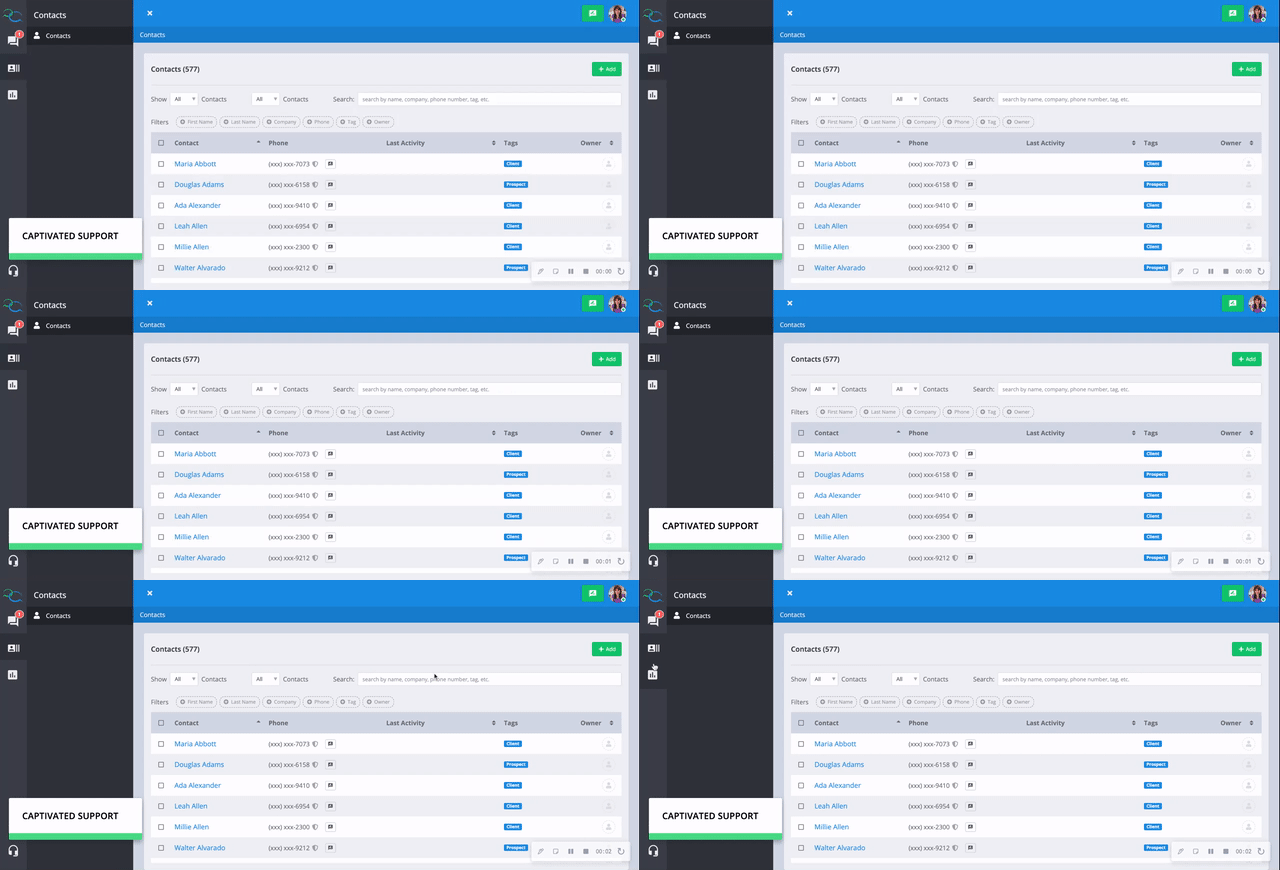
Bulk archiving is completed with assistance from Captivated Support.If you need to archive a large group of contacts, the easiest approach is to apply a unique Tag to the contacts you’d like archived.For example:Archive August 2026Once you’ve finished tagging the appropriate contacts, contact Captivated Support and provide the name of the Tag.Our team can then use that Tag to identify the contacts that should be bulk archived.
Carefully review the contacts associated with the Tag before requesting a bulk archive. Bulk archiving cannot be undone.
If you need assistance archiving contacts or preparing a group for bulk archiving, contact Captivated Support using the in-app Support option or text (317) 316-3600.