

- From the New Message button when you’re ready to start a conversation
- From Contacts when you simply want to add a contact to your contact list
Create a Contact from New Message
This is the quickest option when you want to add a new contact and immediately send them a message.- Select the green New Message button.
- Enter the contact’s phone number.
- If the phone number isn’t already associated with a contact, select the option to add a new contact.
- Enter the available contact information.
- Select Save Contact and Continue.
Creating Contacts through the Green New Message Button Video Walkthrough
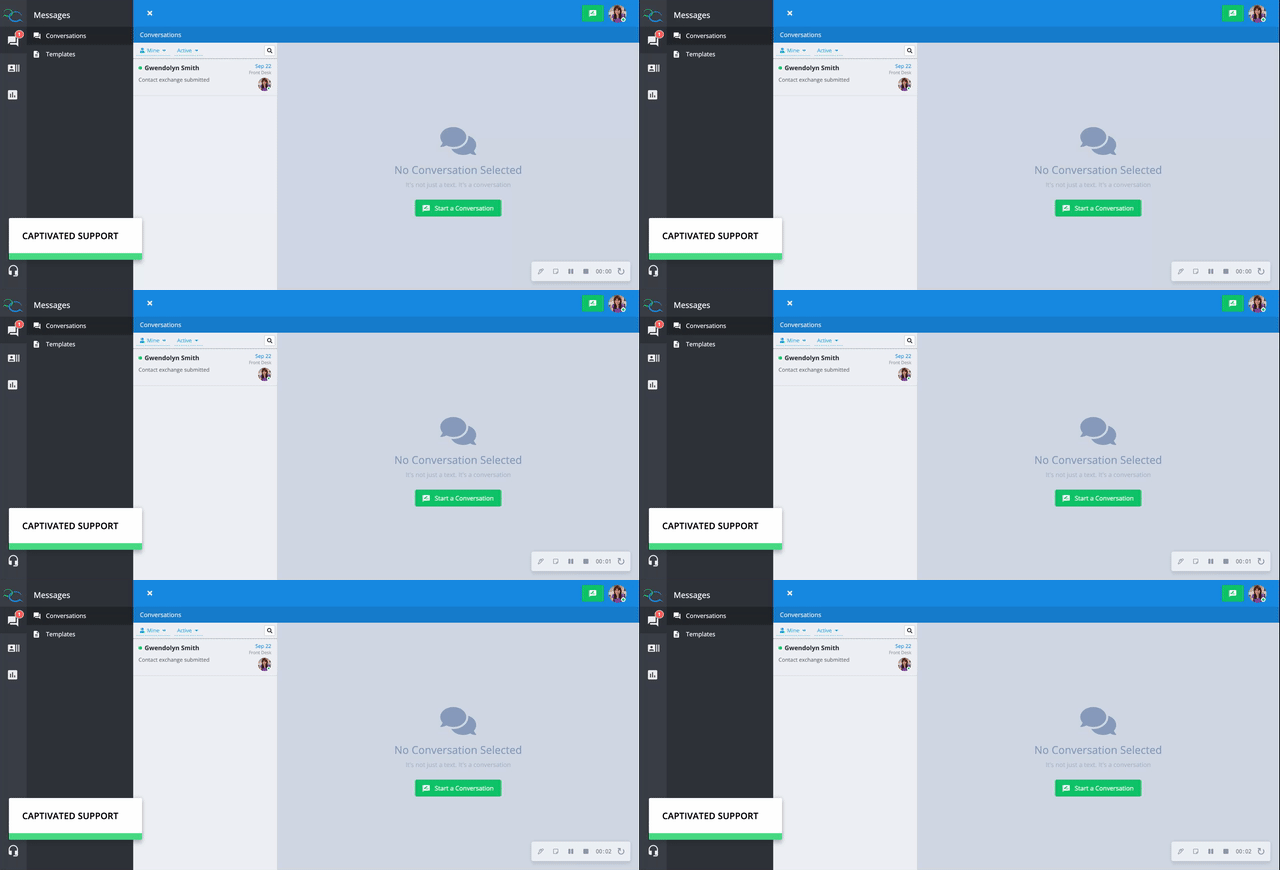
Create a Contact from Contacts
If you want to add someone to Captivated without immediately sending them a message, create the contact from the Contacts section.- Select Contacts from the navigation menu.
- Select + Add.
- Enter the contact information you have available.
- Add any applicable Tags or other information.
- Select Save.
Creating a Contact through the Contacts Tab Video Walkthrough
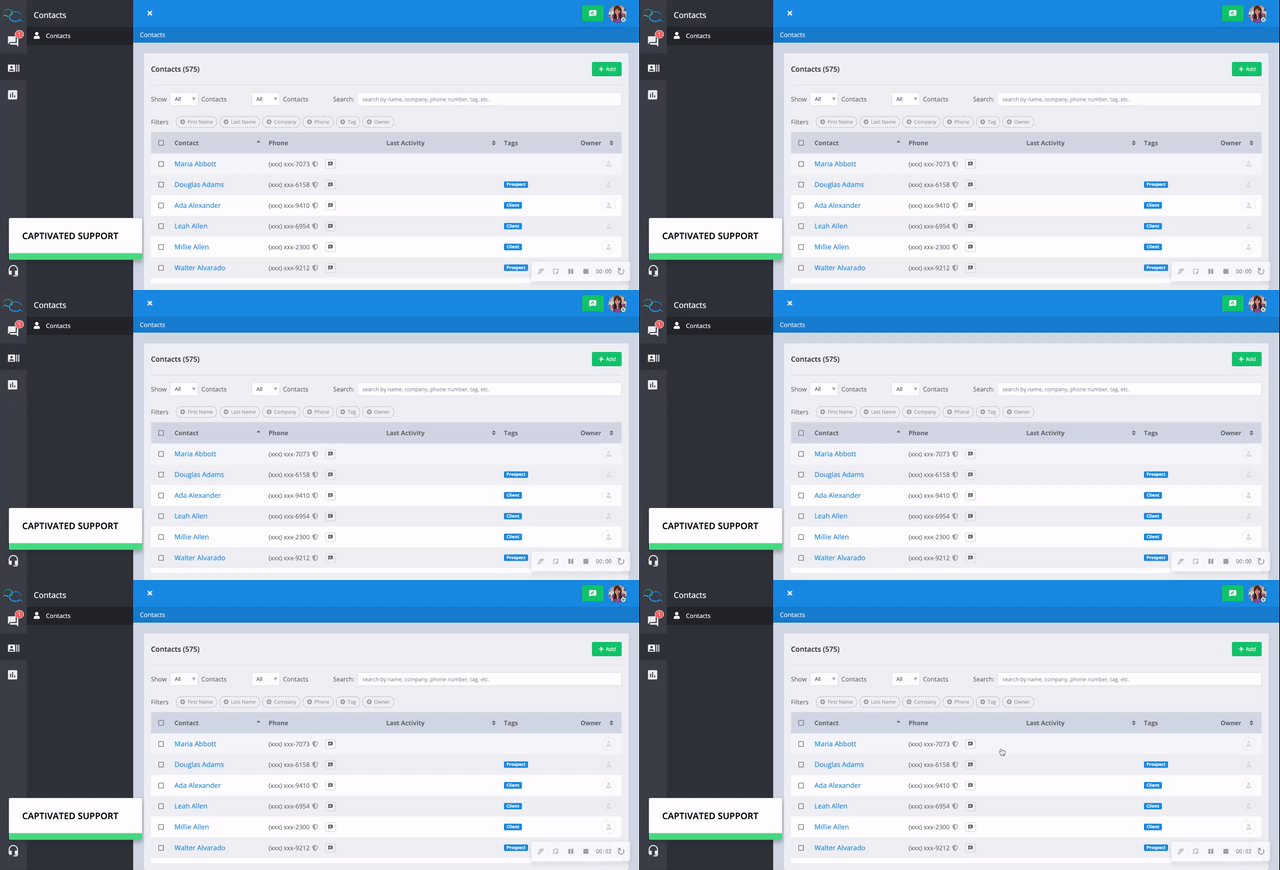
Edit a Contact
There are two ways to edit an existing contact:- From the contact details within a conversation
- From the Contacts section
Edit from a Conversation
If you’re already communicating with the contact:- Open the conversation.
- Open the contact’s information/details panel.
- Select Edit.
- Update the appropriate information.
- Select Save.
A contact’s phone number cannot be changed using this method. To edit a phone number, use the Contacts section.
Edit from Contacts
For access to the full contact record:- Select Contacts from the navigation menu.
- Search or filter to locate the contact.
- Select the contact’s name.
- Select Edit.
- Make your changes.
- Select Save.
Double-check a phone number before changing it to make sure you’re updating the correct contact record.
Editing a Contact Video Walkthrough
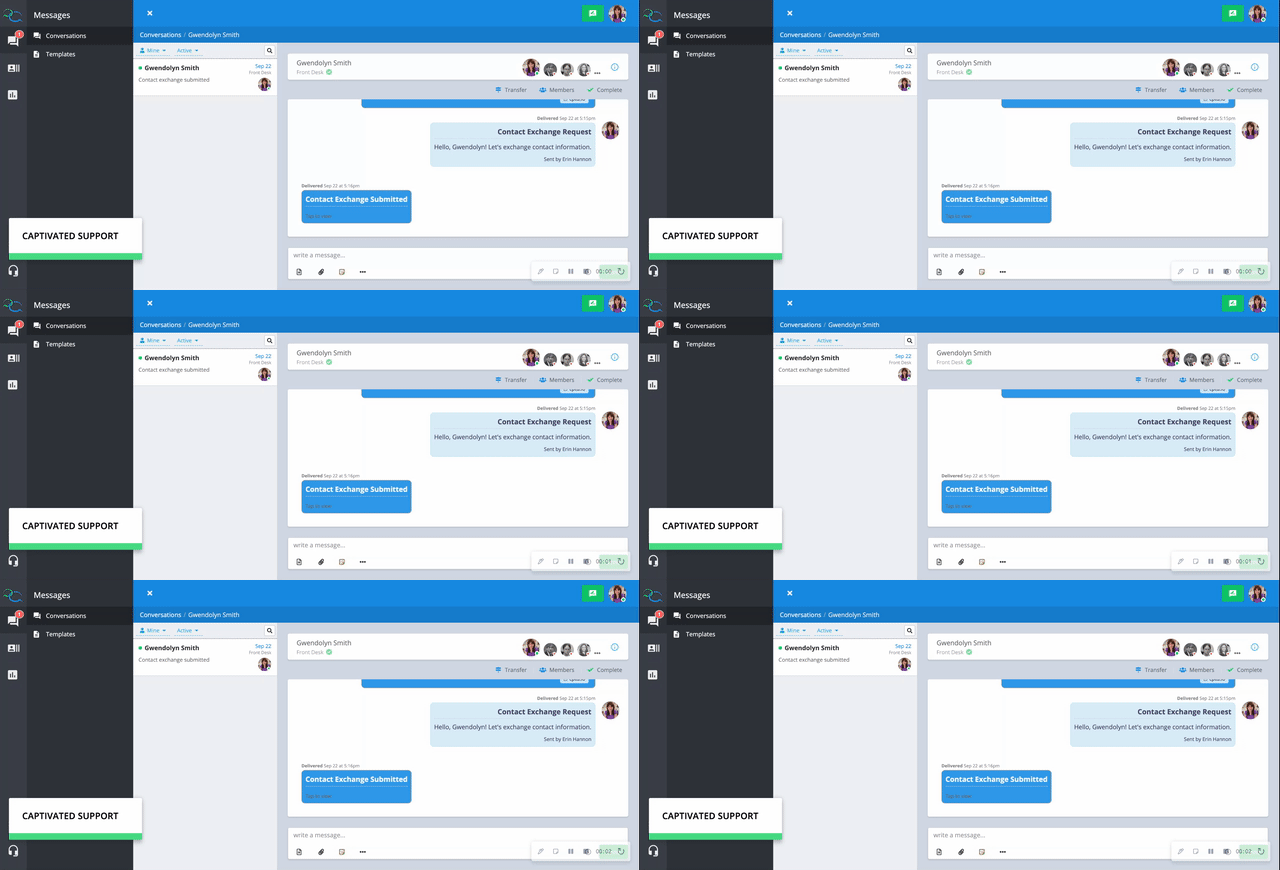

Quick Reference
Frequently Asked Questions
Why can't I edit the phone number?
Why can't I edit the phone number?
A contact’s phone number can only be changed from the Contacts section. Locate the contact, open their record, and select Edit.
Can I bulk import contacts?
Can I bulk import contacts?
Yes. Captivated’s Contact Import allows you to add or update multiple contacts using a CSV file.Contact Import is available to Administrators and Users who have been given the appropriate permission.
How do I delete a contact?
How do I delete a contact?
Captivated uses archiving rather than permanently deleting contacts. Learn more in Archiving Contacts